Log in to your Galileo account. At the top of the page, select ‘Print Receipt.’ Scroll to the bottom of the page and click ‘Print Receipt’ again to download or print your record.
Related posts
View all-
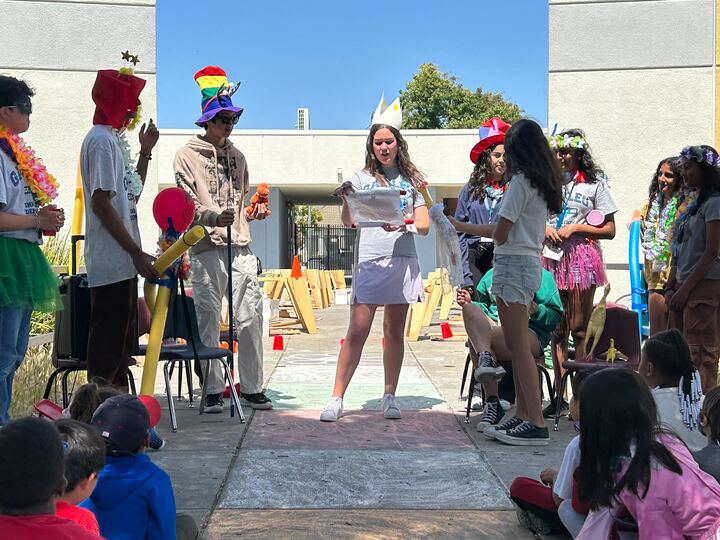
How a 16-Year-Old Intern Became One of the People Shaping Camp Galileo
When Daniel Shammas (Professor D) first walked into Camp Galileo, he was 16 years…
-
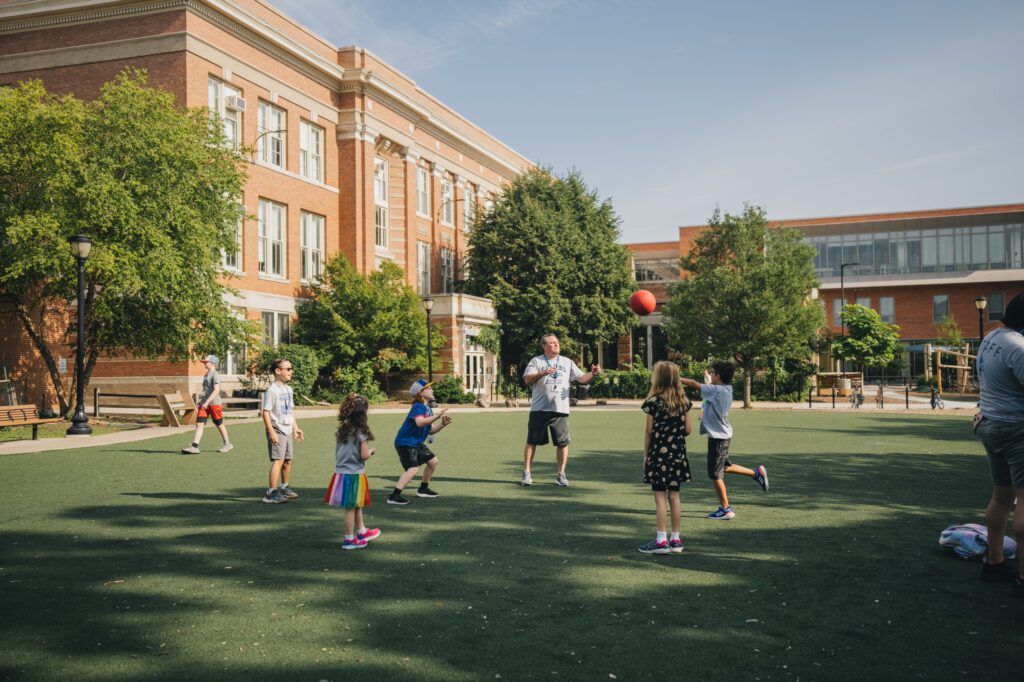
Things to Do in Chicago With Kids: A Guide to Family Exploration and Discovery
Chicago isn’t just a city; it’s a living classroom where architecture…
-
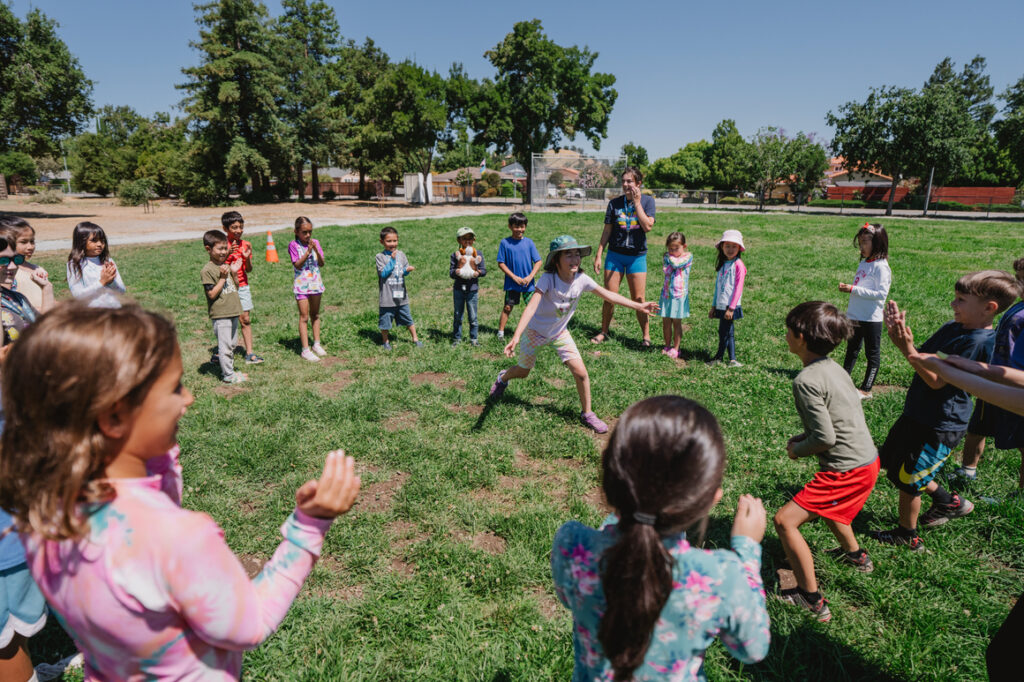
Things to Do With Kids in the Bay Area: A Guide to Family Adventure and Discovery
The Bay Area is where innovation meets nature, where tech startups share neighbor…